 PhotoSplit Studio
The Complete Free Photo Toolkit
PhotoSplit Studio is a full suite of free photo tools — all running 100% in your browser.
Photo Scan Splitter
Auto-detect and crop multiple photos from one scan using computer vision. Includes auto-straighten, color enhancement, and film negative conversion.
Launch App →Social Media Resizer
Resize any photo to exact platform dimensions — Instagram, TikTok, YouTube, Facebook, LinkedIn. Fit, Fill, and Stretch modes included.
Open Tool →Free Image Cropper
Crop photos to custom sizes or aspect ratios with live preview. Supports 1:1, 4:3, 16:9 and freeform cropping for any device.
Open Tool →Bulk Image Converter
Convert JPEG to PNG, PNG to WebP, or JPEG to WebP in bulk. Drop dozens of files at once and convert them all locally in seconds.
Open Tool →Passport Photo Maker
Create compliant passport photos for US, UK, EU, and 10+ other regions. Generates a 4x6 print sheet for easy home printing.
Open Tool →Audio Transcriber
Turn any meeting recording into a clean transcript or structured document. Upload MP3, MP4, WAV, M4A — or record live. Powered by Whisper AI.
Open Tool →How It Works
Three simple steps to move from physical prints to a perfectly organized digital archive.
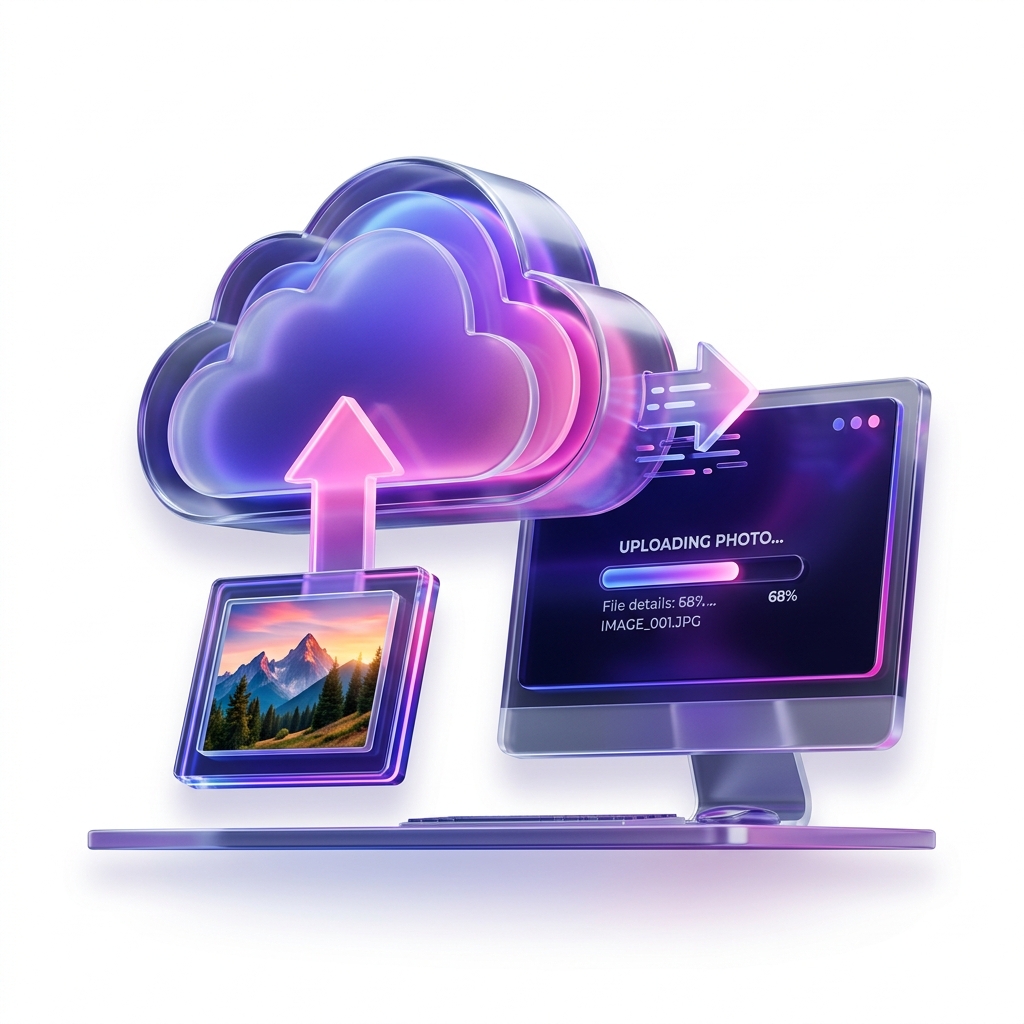
1. Load Your Scan
Drag and drop your scanned image into the app. We support high-res JPEG, PNG, and multi-page PDF files.
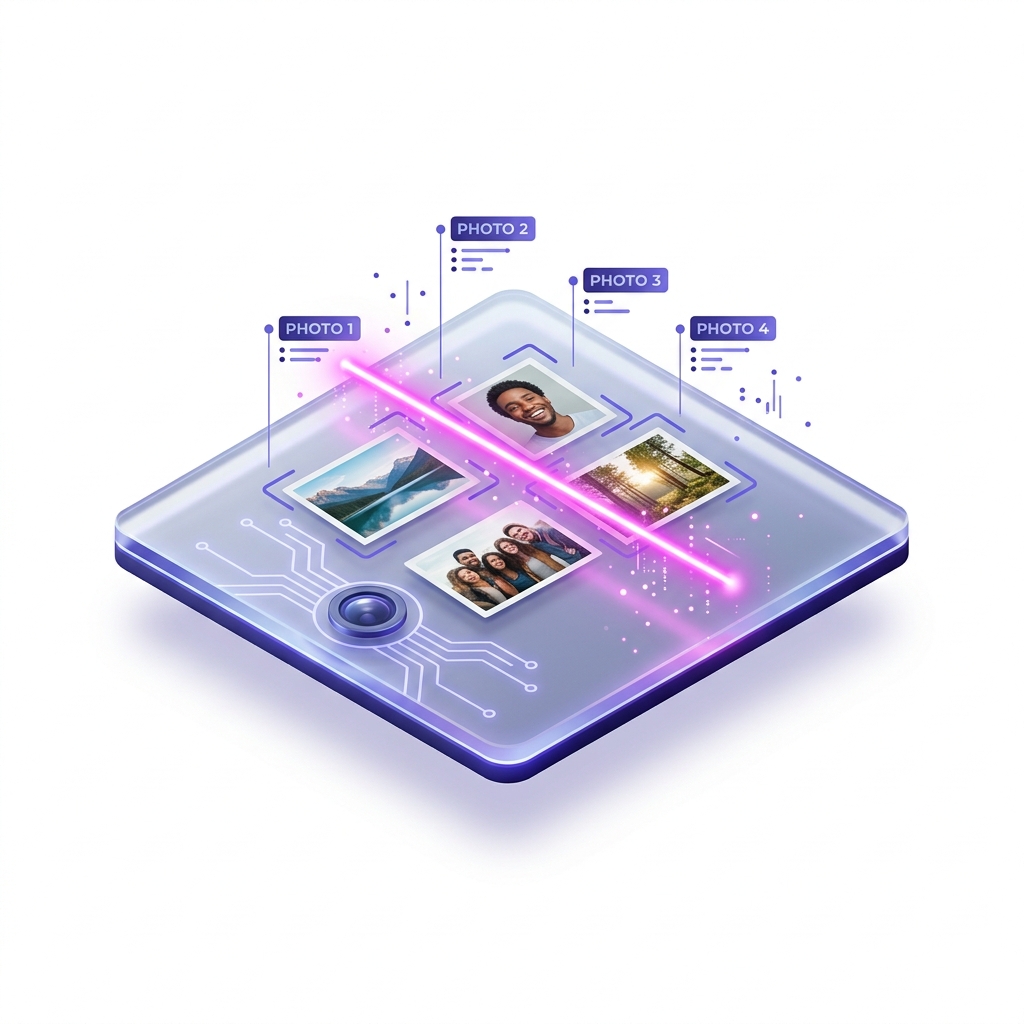
2. AI Detection
Our browser-based AI instantly identifies every photo boundary. Straighten and enhance in one click.
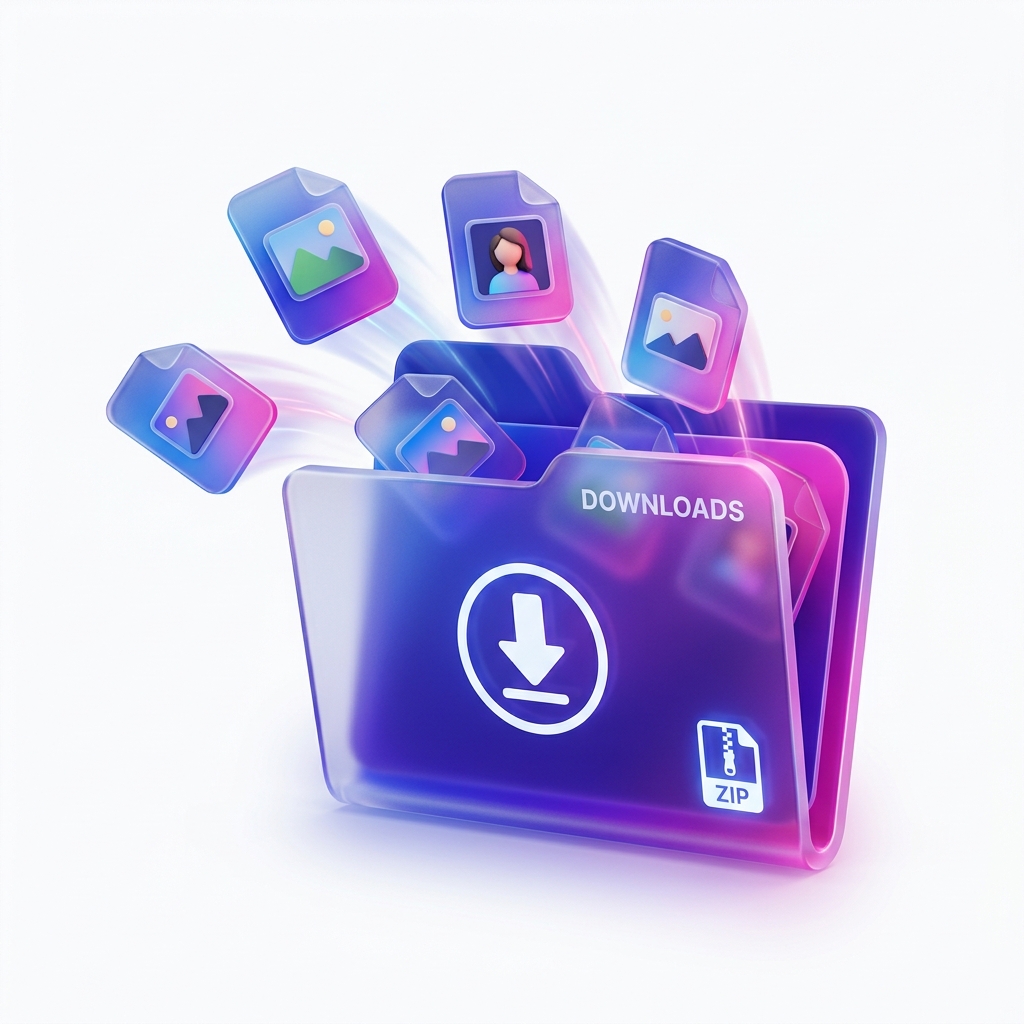
3. Instant Export
Save all photos as a ZIP archive or a multi-page PDF. All processing happens locally on your device.
Free Online Photo Scanner & Splitter
Welcome to PhotoSplit Studio, your free browser-based solution to extract, crop, and split multiple printed photos from a single scan. No uploads, no server processing, 100% private.
Latest Archive Guides
Who Is PhotoSplit Studio For?
Built for family archivists, genealogists, and anyone looking to digitize their physical history without the hassle of manual cropping or expensive software.
Frequently Asked Questions
Is my data really private?
Yes. We use client-side WASM (WebAssembly) and OpenCV.js to process images. Your photos never leave your RAM; they are never uploaded to any server.
What scanning resolution is best?
For 4x6" prints, scan at 300 DPI for standard viewing or 600 DPI for high-quality archival preservation. Our tool handles both with ease.
Can I use it on a mobile phone?
Absolutely. PhotoSplit Studio is fully responsive and optimized for both iOS and Android. You can even use it with your phone's camera to "scan" photos on the fly.
Does it support PDF scans?
Yes! If your scanner outputs multiple photos as a single multi-page PDF, our app will extract them and treat each page as a scan to be split.