 PhotoSplit Studio
100% Private · No Uploads
PhotoSplit Studio
The "Master Records" of your family history are fading. Learn why negatives are more important than prints.
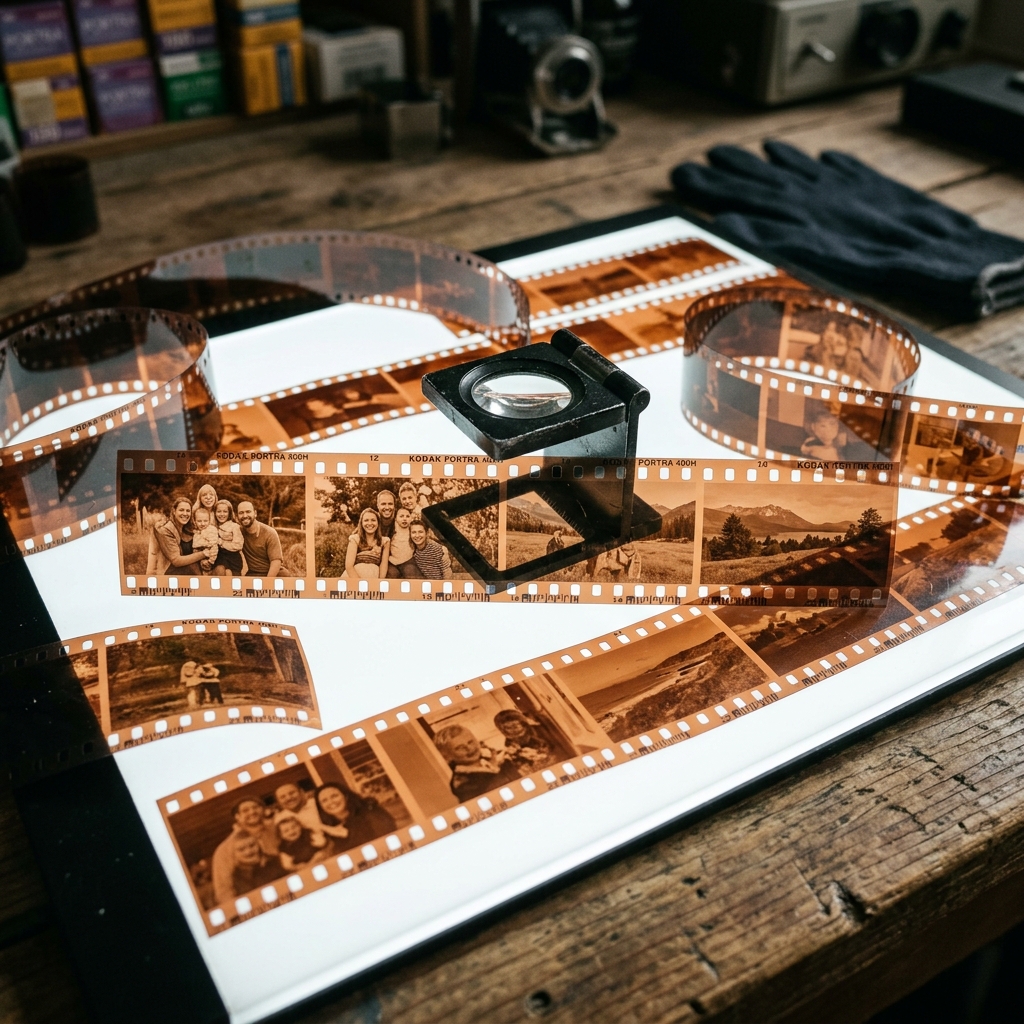
If you have an old shoebox of photos, you likely have several small envelopes filled with strips of translucent, brown film: the negatives. Many people ignore these, assuming that the printed photos are the "final version."
In reality, the negative is the original master record. It contains significantly more detail, better dynamic range, and more accurate color information than the paper print ever did. In this guide, we explain why you should prioritize scanning your negatives and how to use modern tools to invert them into beautiful digital photos.
Old film is made of cellulose acetate. Over time, heat and humidity cause a chemical reaction that releases acetic acid (which smells like vinegar). This "vinegar syndrome" causes the film to shrink, buckle, and eventually become a brittle, sticky mess that cannot be scanned. If you smell vinegar when you open a box of film, you must digitize them immediately.
A standard 4x6 print is a low-resolution copy of a negative. When you scan a negative at high resolution (2400 DPI or higher), you can often see details that were lost in the print — like the texture of a dress, the expression in a distant relative's eyes, or details in the bright sky that were "blown out" in the physical photo.
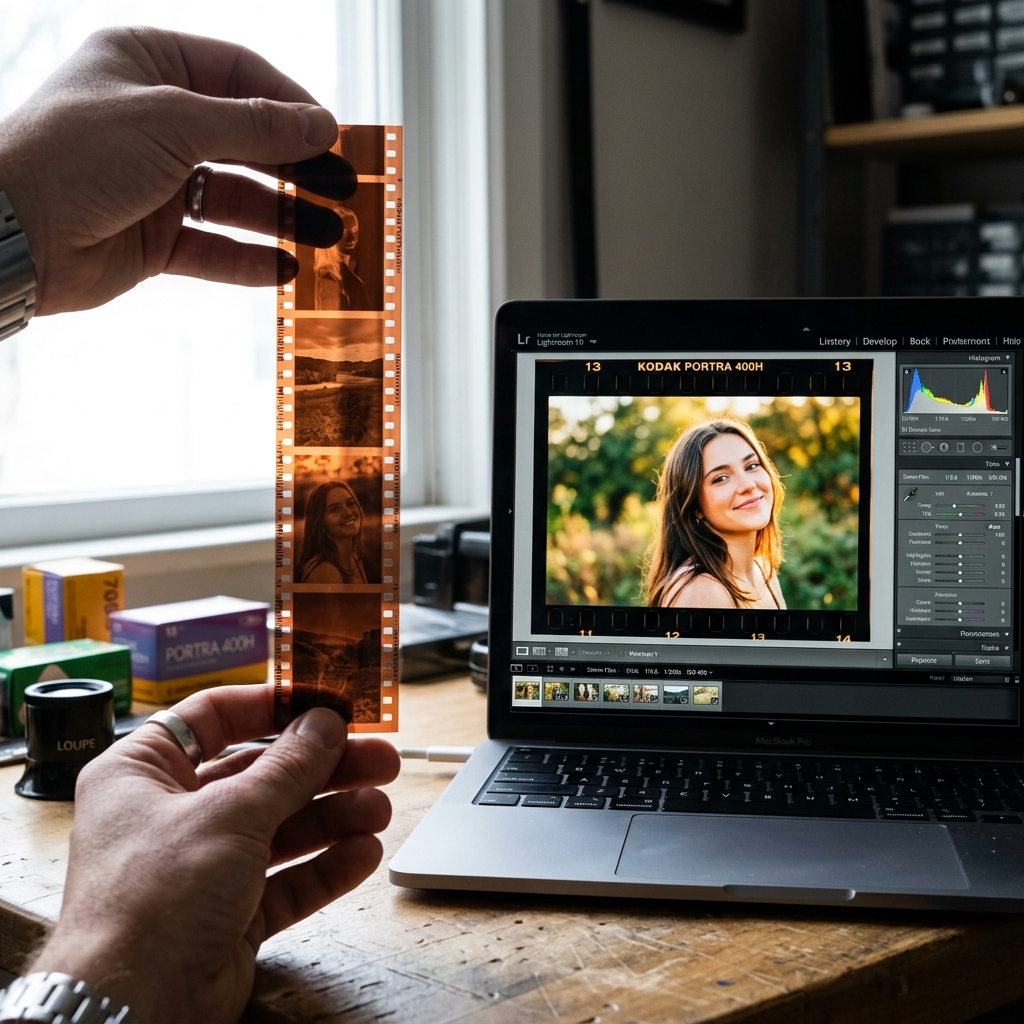
From brown strip to vibrant memory: The process of inverting a 35mm color negative.
Film negatives can capture a wide range of light and shadow. Paper prints have a very limited range. By scanning the negative, you can "recover" details from deep shadows and bright highlights that appear as solid black or solid white on the physical print.
Traditionally, inverting negatives required expensive software or darkroom chemistry. In 2026, you can do it for free in your browser. PhotoSplit Studio includes a built-in Film Negative Inverter.
You cannot scan a negative like a regular photo. Because the film is translucent, the scanner needs to shine light through the film, not just bounce light off it.
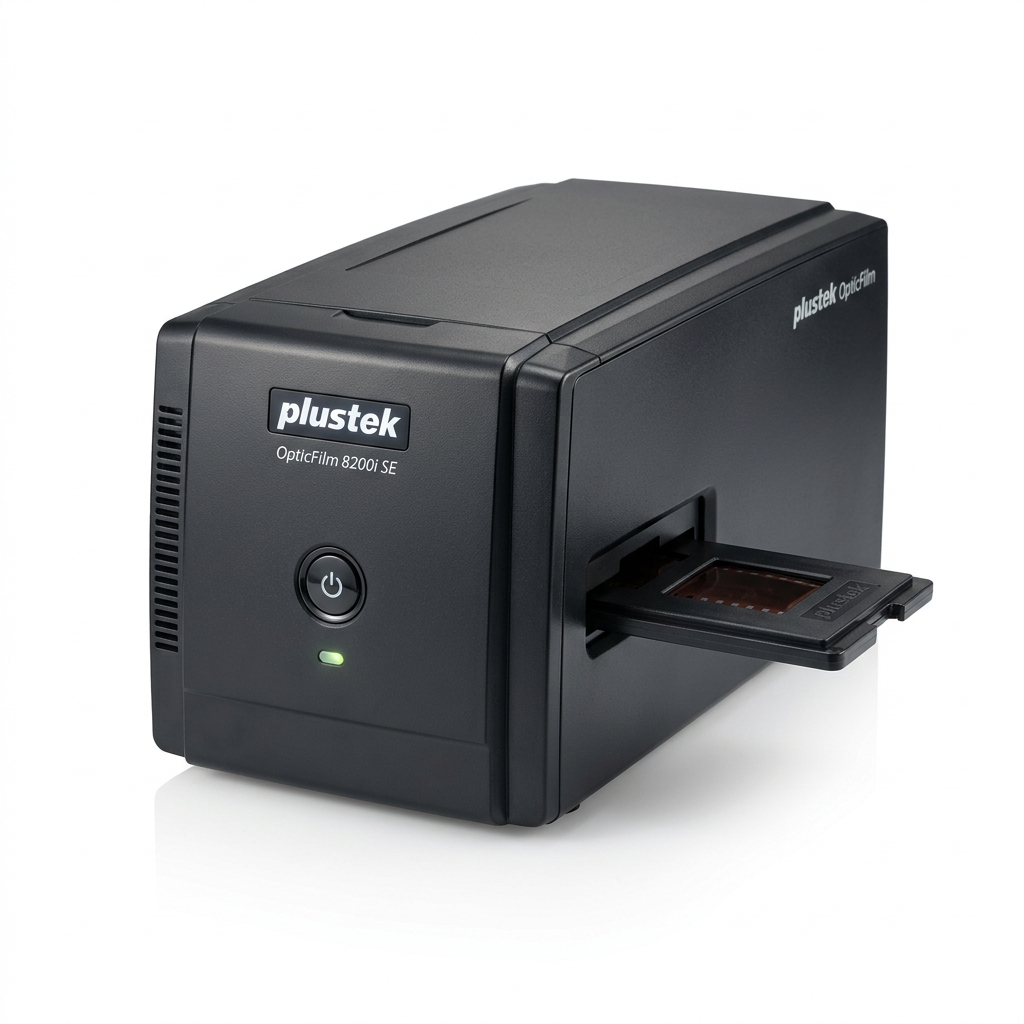
The ultimate dedicated 35mm film scanner. Provides unmatched dynamic range and includes SilverFast scanning software for flawless negatives.
View on Amazon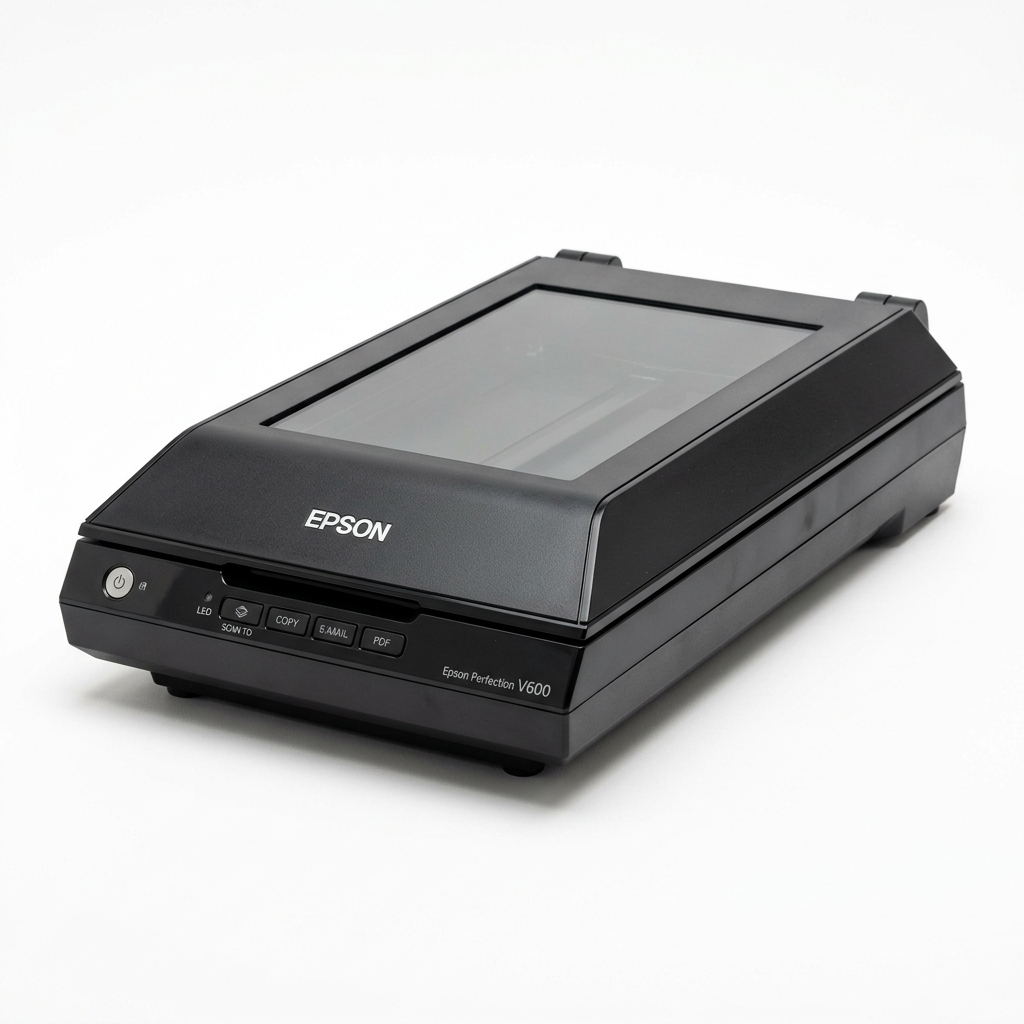
The gold standard for at-home photo archiving. It has a massive flatbed area, incredible color accuracy, and even scans negatives.
View on AmazonYour negatives are the highest quality records of your family's history. While they might look strange and unappealing in their brown strips, they hold the secret to the most vibrant and detailed digital archive possible. Don't wait for the vinegar syndrome to claim them — start digitizing today.